Light Show: Fiber Optic Puzzle
Route real fiber-optic light from A to B. Splice, split, survive outages
THE GAME
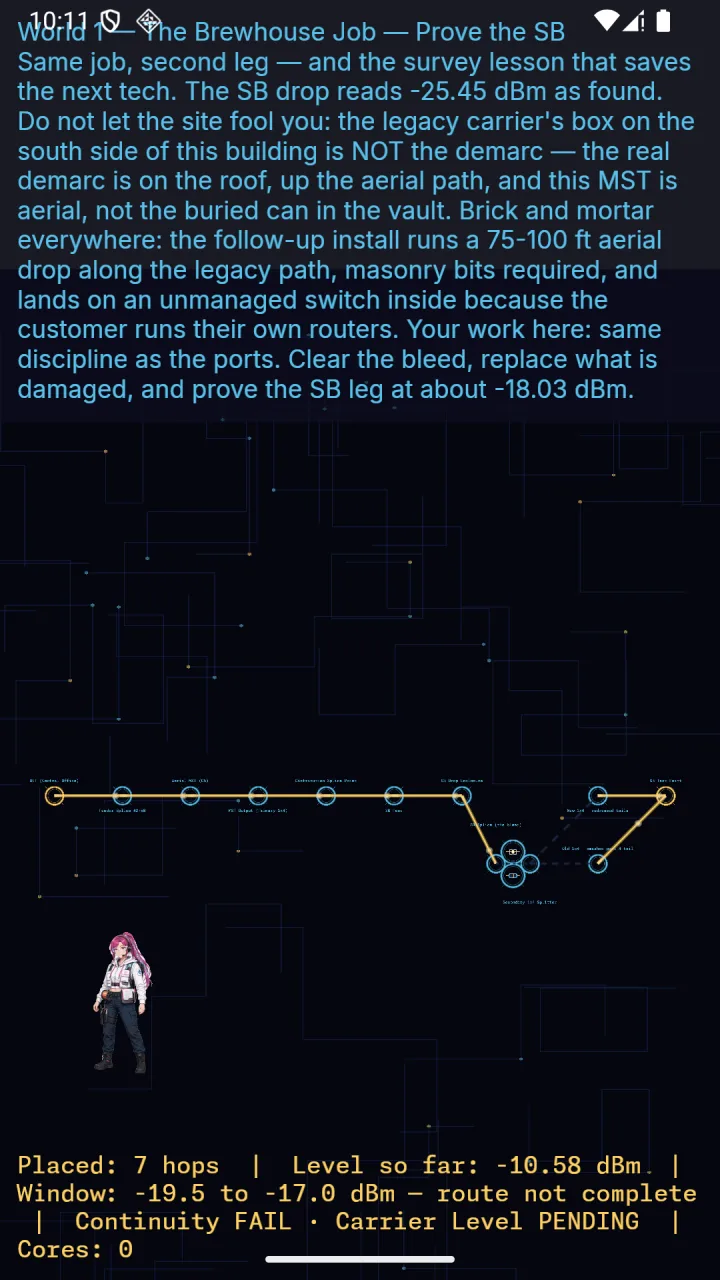
Light Show is a puzzle game built on real Outside Plant (OSP) fiber-optic engineering. You're a field tech routing light from the OLT to the customer's ONT — every splice, connector, and splitter you place is modeled on real-world dB loss figures. Land the receive power inside the target window, or the customer's link goes down.
FEATURES
- Real link-budget math: fusion vs. mechanical splices, UPC vs. APC connectors, PON splitters, wavelength-dependent attenuation — all pulled from real OSP practice.
- Outage events: fiber cuts, storm damage, water intrusion, and macrobends force a live reroute under a countdown — diagnose and fix the link before the customer-complaint timer runs out, then see your result on a dedicated pass/fail debrief screen.
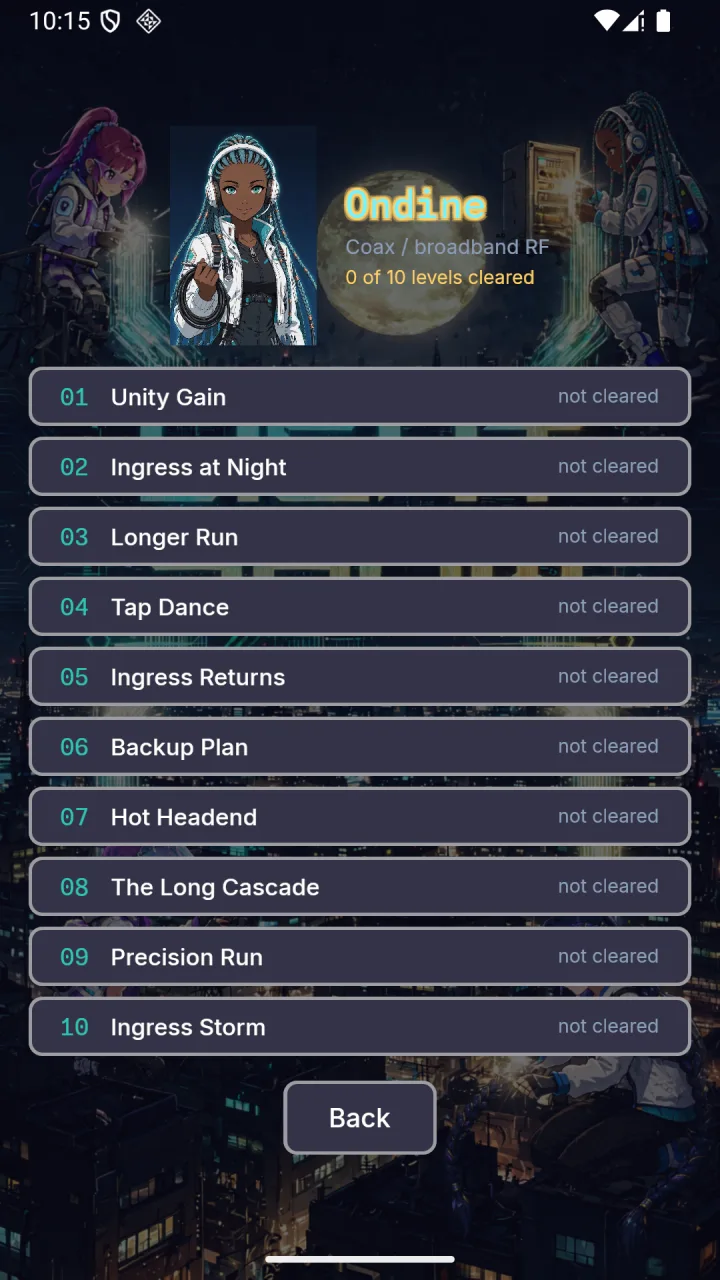
- Pick your companion before you start: Séraphine (Fiber), Ondine (Coax), Linka (Mobile), or Lattice (Ethernet) — each one is tied to a real access technology, has her own dialogue, and reacts in her own voice to every splice, outage, and level result.
- An original 8-bit-inspired chiptune soundtrack scores the menu, splicing, and outage states, with its own win/fail jingles.
- 64x64 pixel-art visuals with an anime-inspired look, including on-board icons for every component you place.
- No ads. No in-app purchases. No tracking. No network permission at all — this game works completely offline and always will.
This first release ships Splice School (your first fusion splice) and a Storm Season outage drill, with more worlds — connector types, PON split budgeting, and long-haul wavelength puzzles — in active development for future updates.
Whether you're a working telecom tech, a network engineering student, or just enjoy a good logic puzzle, Light Show teaches real fiber-optic concepts through play.
SCREENSHOTS
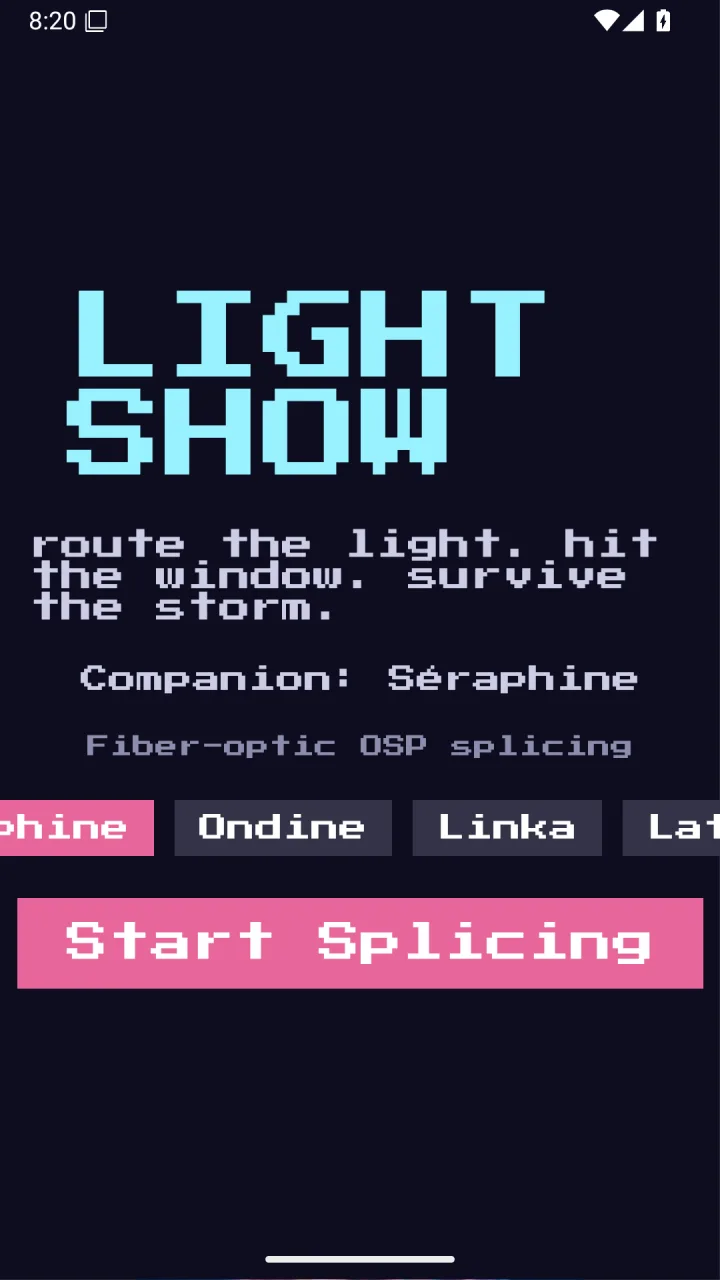
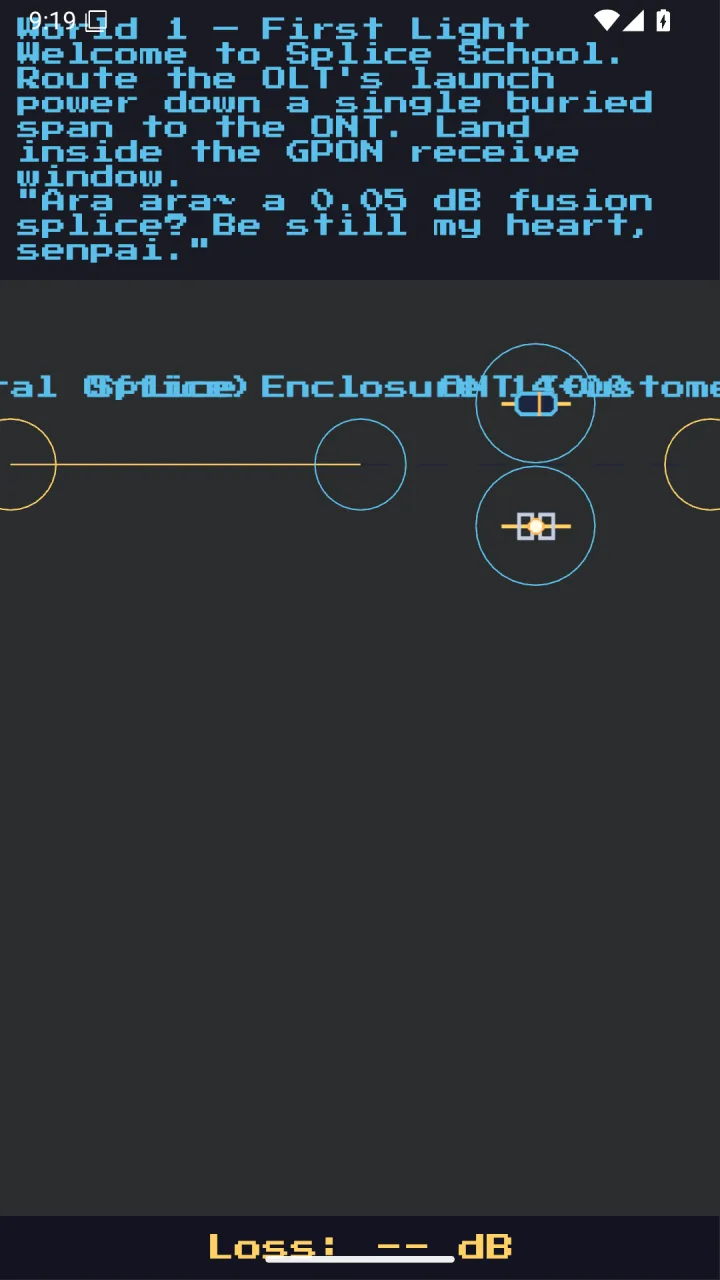
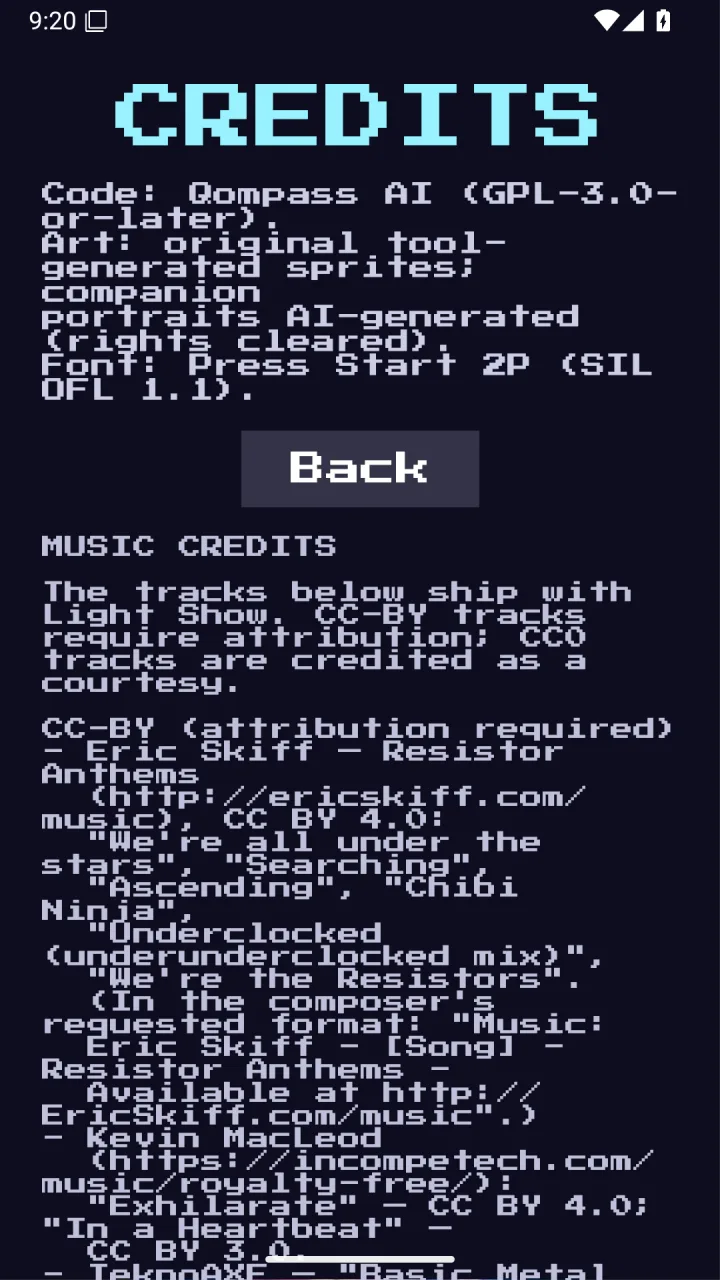
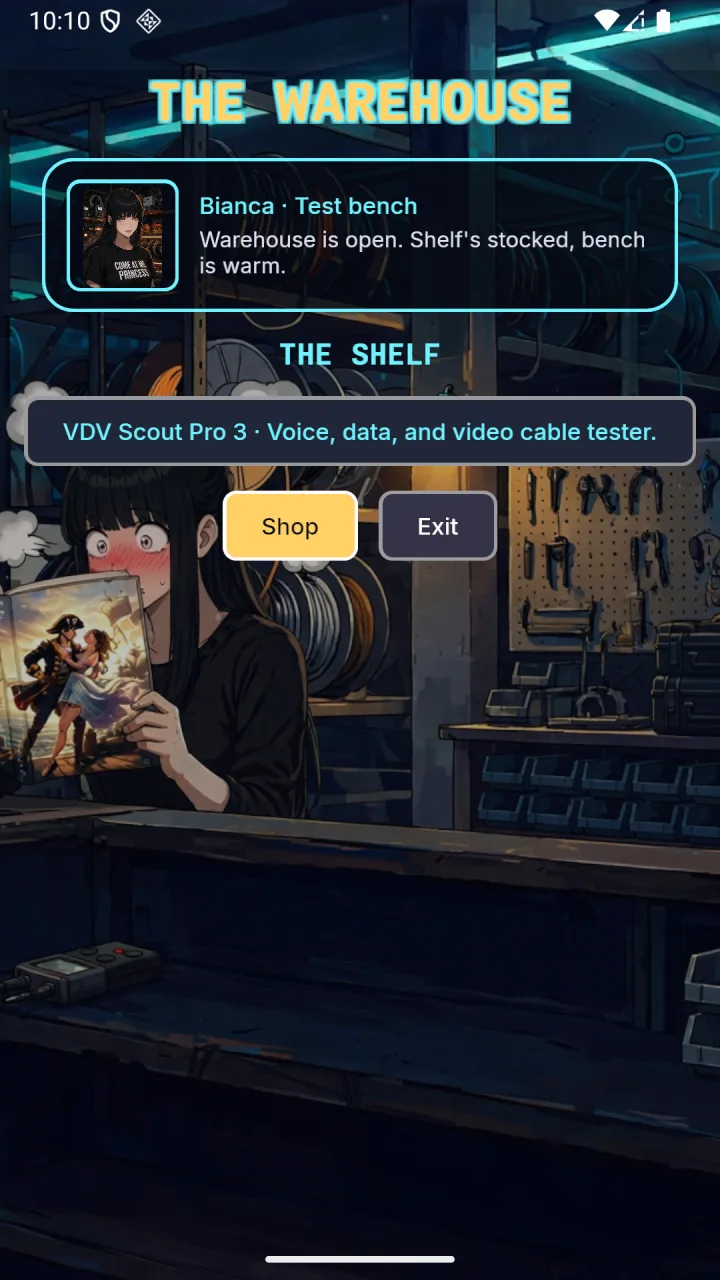
PORTRAITS
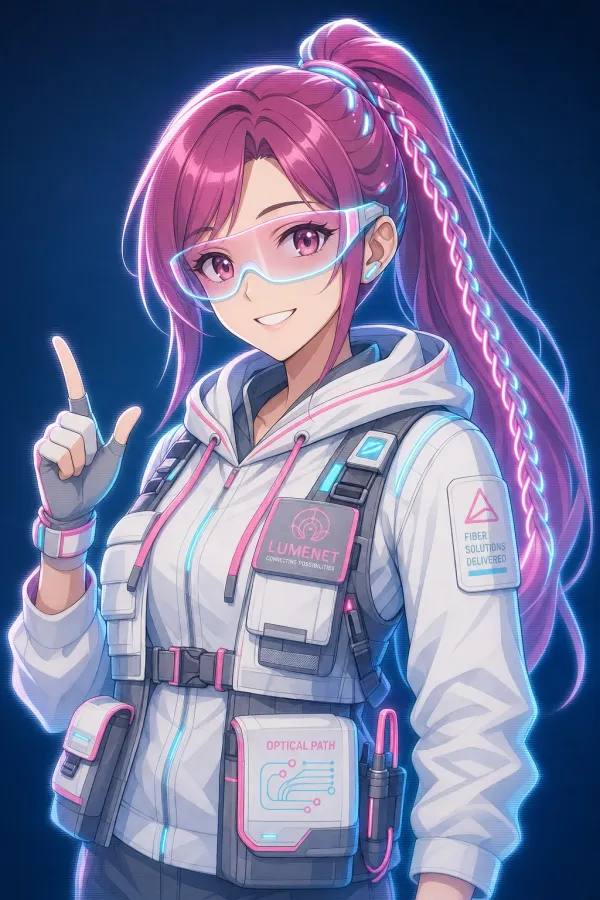
Fiber-optic OSP splicing
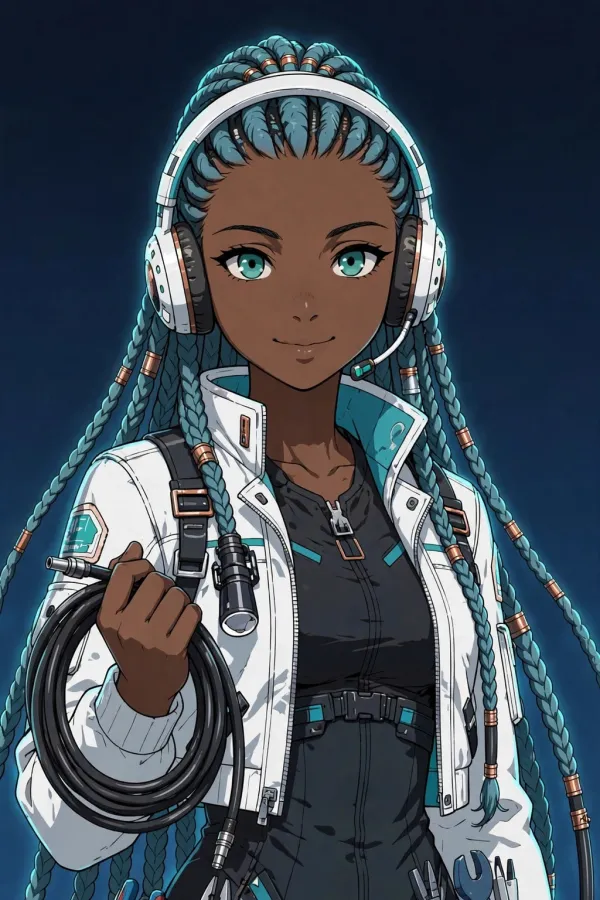
Coax / broadband RF
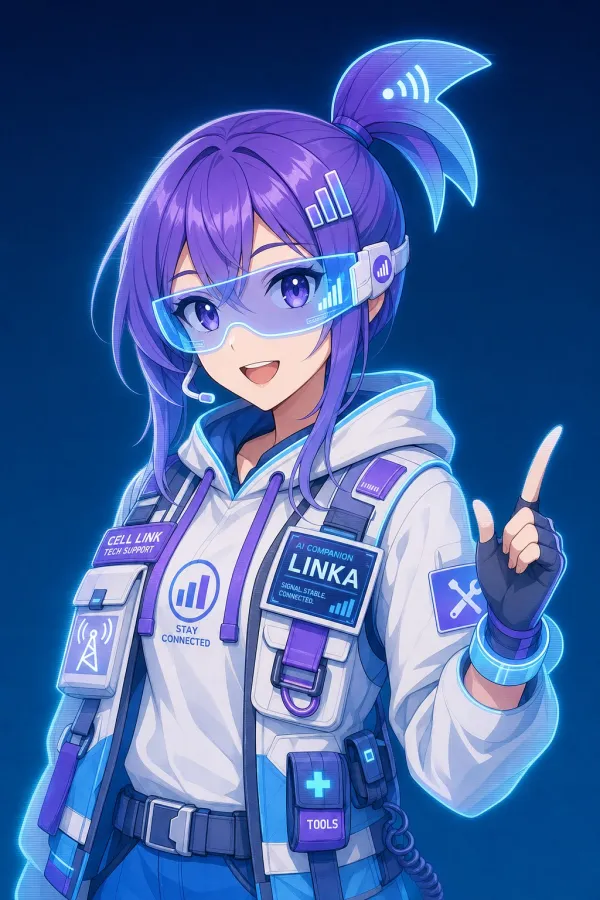
Mobile / cellular RF
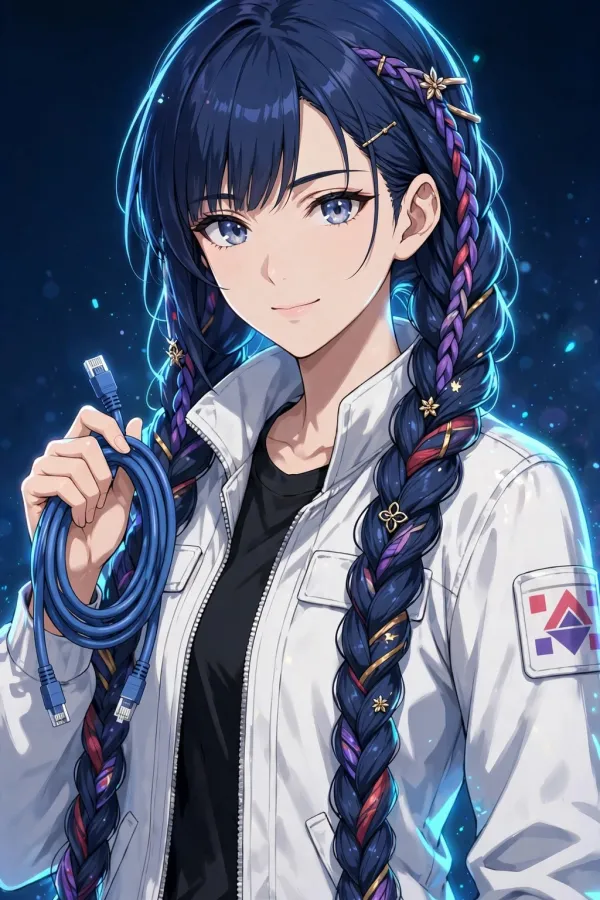
Ethernet / copper LAN
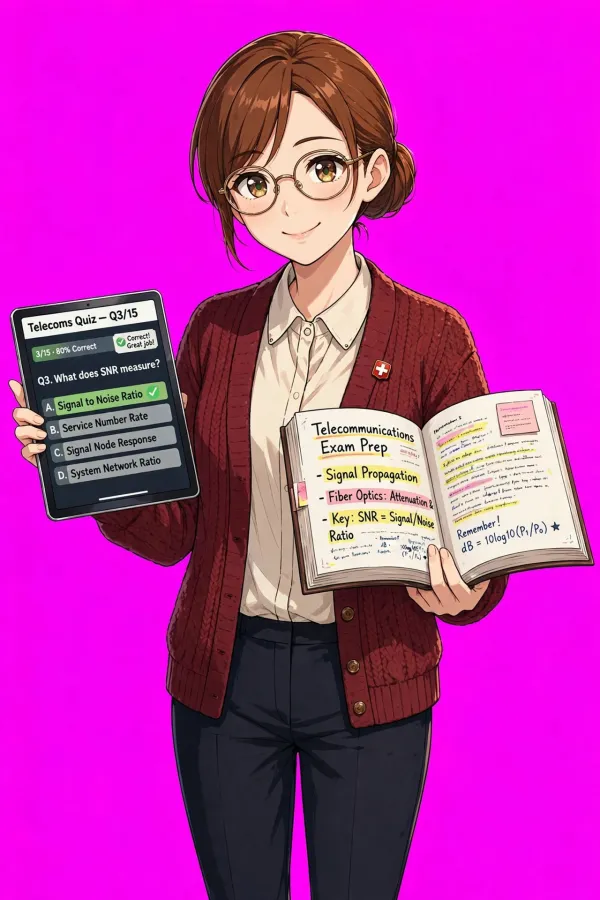
WA 09 Telecom Admin prep
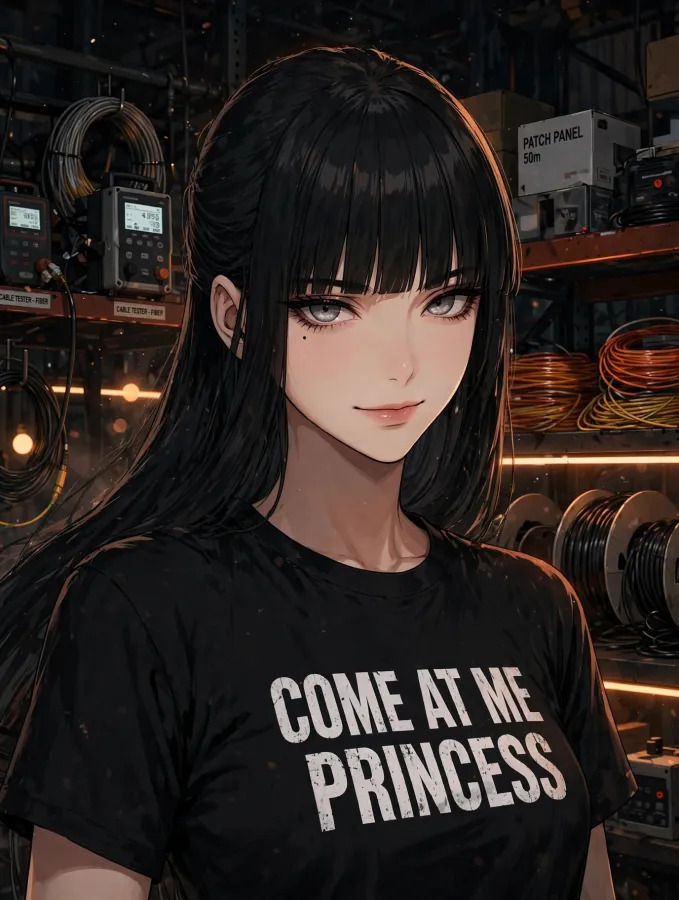
Warehouse host — test bench
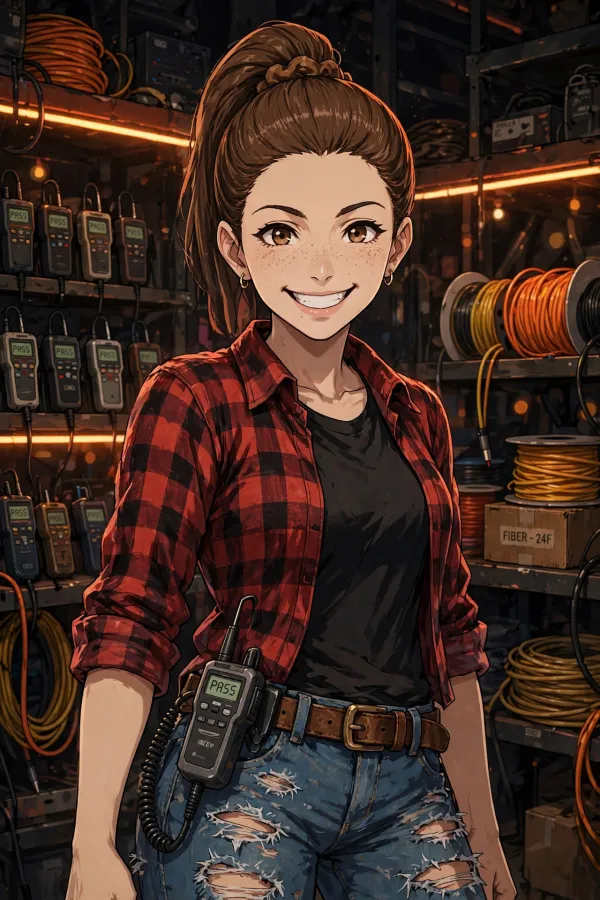
Warehouse host — field
Portraits: AI-generated anime art.
SOUNDTRACK
Every music track the game ships, in the order a run meets them.
TITLE MENU AND CREDITS
- We're all under the stars — Eric Skiff · 4:33
COMPANION SELECT — EACH COMPANION'S THEME
- Séraphine — companion theme · 0:17
- Ondine — companion theme · 0:16
- Linka — companion theme · 0:14
- Lattice — companion theme · 0:17
- Clara — companion theme · 0:15
- Aino — companion theme · 0:18
- Hikari — companion theme · 0:15
- Léa — companion theme · 0:20
WORLD 1 — SPLICE SCHOOL
- Intensive puzzle resolution — Komiku · 1:34
WORLD 2
- Searching — Eric Skiff · 2:20
- Ascending — Eric Skiff · 3:13
WORLD 3
- Chibi Ninja — Eric Skiff · 2:03
- Underclocked (underunderclocked mix) — Eric Skiff · 3:09
WORLD 4 AND BEYOND
- Exhilarate — Kevin MacLeod · 2:25
- Action2 - Army Approaching — Juhani Junkala / SubspaceAudio · 2:04
OUTAGE
- Basic Metal 5 — TeknoAXE · 3:27
- Action3 - Preparing For Battle — Juhani Junkala / SubspaceAudio · 0:55
RESULTS
- We're the Resistors — Eric Skiff · 2:22
- In a Heartbeat — Kevin MacLeod · 3:38
MUSIC CREDITS
- Eric Skiff — Resistor Anthems (http://ericskiff.com/music): “We're all under the stars”, “Searching”, “Ascending”, “Chibi Ninja”, “Underclocked (underunderclocked mix)”, “We're the Resistors” — CC-BY 4.0. Eric Skiff - [Song] - Resistor Anthems - Available at http://EricSkiff.com/music
- Kevin MacLeod (https://incompetech.com/music/royalty-free/): “Exhilarate” — CC-BY 4.0; “In a Heartbeat” — CC-BY 3.0.
- TeknoAXE: “Basic Metal 5” — CC-BY 4.0. Basic Metal 5 by TeknoAXE | http://teknoaxe.com — Royalty Free Music by https://www.free-stock-music.com — CC BY 4.0 — https://creativecommons.org/licenses/by/4.0/
- Juhani Junkala / SubspaceAudio — JRPG Pack 5: Action (https://opengameart.org/content/jrpg-pack-5-action): “Action2 - Army Approaching”, “Action3 - Preparing For Battle” — CC0 (courtesy credit).
- Komiku (https://freemusicarchive.org/): “Intensive puzzle resolution” — CC0 1.0 Universal (courtesy credit).
The companion themes are synthesized from scratch by the game's own audio tools — no samples, no licensed material.
GET THE GAME
Google PlayClosed testing
The badge goes live with the production listing. Right now the game is in its closed test — the testers below are the way in.
F-DroidSubmission in preparation
The F-Droid build is built and validated; the store submission is being prepared. This row becomes the listing link when it lands.
WindowsTrial build
A trial build for Windows is published with the project's releases on GitHub.
TESTERS
Light Show opens to everyone when twelve testers have had it installed for fourteen days — that is Google's gate for a personal developer account, and it is the only thing between the finished game and its launch. If you run fiber for a living, or teach it, or just like a hard puzzle, your two weeks move the date.
BUILD YOUR OWN
How to build an educational game for Android
Light Show went from a design document to a closed test on Google Play. These are the ten steps it took, in order, written so you can follow them with your own game. Each step gives the general practice first, then what Light Show actually did, with its real numbers.
Tick the boxes as you finish each step. The ticks stay in this browser tab: nothing is saved or sent anywhere, and they reset when you leave the page.
0 of 10 steps complete
Start from what the player should be able to do when they put the phone down, not from a genre. Write the learning goals first, then choose a mechanic that cannot be won without using each one, and only then dress it. If the mechanic can be won without the skill, the game teaches the mechanic.
Make the win condition the trade's own pass/fail line: a reading inside a window, a constraint satisfied, an answer verified. A real check teaches the real threshold; a score teaches the score.
LIGHT SHOW — WORKED EXAMPLE
Light Show teaches outside-plant (OSP) fiber work, and the design document came before the code. You play a rookie OSP tech. Four companions each own one transmission medium: Séraphine (fiber), Ondine (coax), Linka (wireless), Lattice (Ethernet). Each one teaches her medium through a ten-level track, so picking a companion picks what you learn.
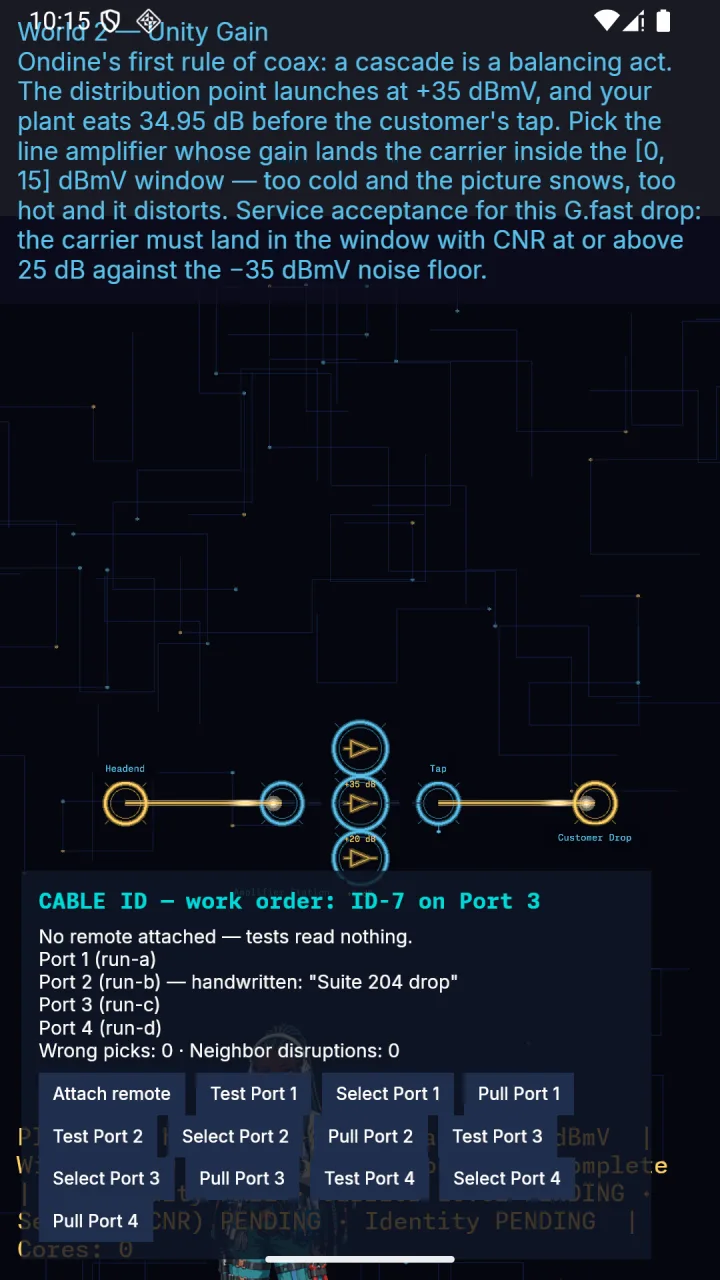
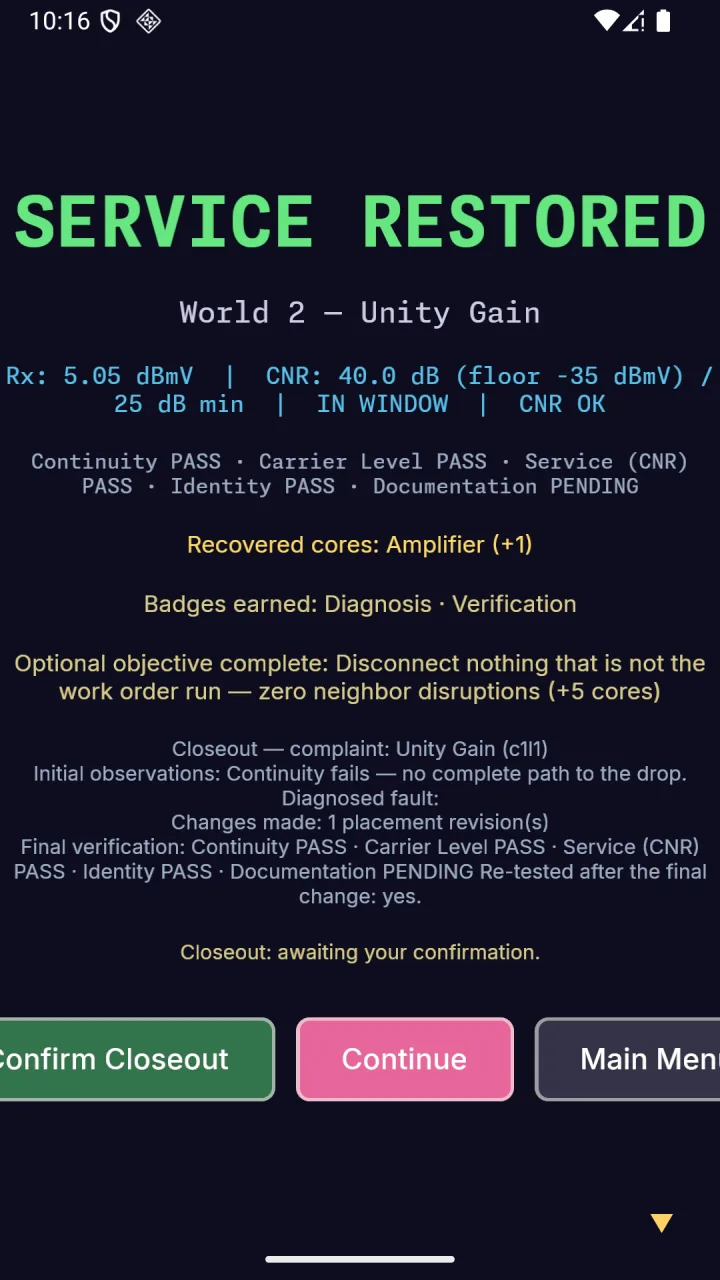
The fiber win check is the link budget: received power, P_rx = P_tx − Σ losses, must land inside the level's dBm window. Running too hot fails just like too much loss, as it does in the field. On Ondine's first coax level, Unity Gain, the distribution point launches at +35 dBmV and the plant eats 34.95 dB before the customer's tap, so the carrier arrives at 0.05 dBmV before any amplifier. The window is [0, 15] dBmV. The 5 dB amplifier lands 5.05 dBmV, inside. The 35 dB amplifier lands 35.05 dBmV, and the picture distorts.
Develop on the desktop and ship to the phone. A desktop edit-run loop takes seconds. A phone loop means packaging, installing, and launching every time. Pick an engine that targets both from one codebase, so the phone build is a packaging job, not a port.
Keep the subject's math out of the engine. A plain library with no engine types in it can be unit-tested in milliseconds, and those tests are where you prove the teaching is correct.
Design for both shapes from the first screen. Phones are held in portrait, desktops and tablets run in landscape, and a resizable window can be any shape in between.
LIGHT SHOW — WORKED EXAMPLE
Light Show is written in Rust with the Bevy engine. The daily loop is one command on the desktop: cargo run -p light-show. The link-budget math lives in osp_sim, an engine-free crate with its own tests (cargo test -p osp_sim). A wrong dB figure fails a test before it ever reaches a level.
Screens are designed on a 720 × 1280 portrait canvas. A responsive module cover-fits every full-window backdrop to the window the game actually gets: on spawn, when the texture loads, and on every resize. It also swaps the title art between portrait and landscape versions by window shape. The release gates run locally before any push: the full test suite, clippy with warnings denied, and a format check.
Google Play takes an Android App Bundle (AAB) and builds device-specific installs from it. Sideloading and F-Droid use a plain APK. Plan to produce both from the same source.
minSdk is the oldest Android version you will run on. Raise it only when an API you need demands it, and write down which one. targetSdk is the Android behavior you have tested against. Play sets a floor for it and raises that floor every year, so check the current number in Play Console Help before each release.
Request no permission you do not need. Every permission becomes a review question, a line in the Data safety form, and a reason for a player to decline the install. A game that asks for nothing has nothing to explain.
LIGHT SHOW — WORKED EXAMPLE
Light Show sets minSdk 26 (Android 8.0) and targets and compiles against SDK 36. The 26 has a reason: the Android audio library the game links, libaaudio, first exists at API 26. A native build left on the NDK's default platform, API 21, fails to link with “library not found: aaudio”.
For Play, the game compiles to a native library for three CPU types (arm64-v8a, armeabi-v7a, x86_64). A minimal Gradle project wraps that library behind Android's NativeActivity, and the bundle comes out around 235 MB. The build notes record that apps targeting Android 15 and up must ship native libraries aligned for 16 KB memory pages. The 64-bit Rust targets already align that way, but 32-bit ARM defaults to 4 KB, so the build forces 16 KB for that one target. readelf then confirms every LOAD segment of every library shows 0x4000.
The manifest requests no permissions at all: no network, location, storage, or contacts. The game runs fully offline. That one decision answers the Data safety form (step 7) and keeps F-Droid's anti-features list empty (step 9).
HARD REQUIREMENT
- Target API level: since August 31, 2026, new apps and app updates on Google Play must target Android 16 (API 36) or higher, with an extension to November 1, 2026 available on request (Play Console Help, “Target API level requirements for Google Play apps”).
Android will not install an update unless it is signed with the same key as the copy already on the phone. That makes the signing key the app's real identity, more than its name or its icon.
Play App Signing splits the job in two. Google holds the app signing key and signs what players download. You hold an upload key and sign what you send to Google. The upload key only proves that an upload came from you.
Treat the keystore as the one file you cannot lose. Make it once, with a long validity, and back it up offline the day you create it. Keep its passwords in a password manager. Never put them in the repository or in chat, and never type them on a command line, where other users of the machine can read them in the process list.
LIGHT SHOW — WORKED EXAMPLE
Light Show uses Play App Signing. The upload keystore was made once, on one machine (RSA 2048, valid for 10,950 days, which is thirty years). The script that makes it has a dry-run mode: it runs the exact keytool command against a throwaway keystore and then deletes it, so the real run is the first time a real key exists. The real run leaves out the password flags, so keytool asks for the passwords on the terminal instead of reading them from arguments.
The Gradle release build declares no signing configuration, on purpose, so an automated build can never produce a signed release. Signing is a separate, human step. One trap worth knowing: an AAB is signed as a JAR, with jarsigner. apksigner treats its input as an APK and cannot sign or verify a bundle. After signing, run jarsigner -verify, then bundletool validate.
HARD REQUIREMENT
- Every bundle uploaded to Play must be signed with the upload key registered for that app.
Register a Google Play developer account, and know whether it is personal or an organization: the two face different rules. A personal account has to run a closed test before it can publish to production (step 8).
Create the app: its name, default language, whether it is an app or a game, and whether it is free or paid.
Choose the package name as if it were permanent, because in practice it is. Play identifies the app by it, and a different package name is a different app, with its own listing, no reviews, and no installs. Build it from a domain you own, reversed.
LIGHT SHOW — WORKED EXAMPLE
Light Show's developer account is phaedrusflow, a personal account. The app was created as Light Show, default language en-US, a game, free, with no ads.
The package name is ai.qompass.lightshow, which is qompass.ai reversed. It is declared in two places that must agree: the Gradle applicationId and the game crate's Android metadata. The publishing checklist names both.
The listing is your store page, and Play enforces its sizes. Keep the text and images in the repository as files. That way the listing is versioned, reviewable, and checked by a script before you paste anything.
Screenshots should be genuine captures of the game running. The format rules are strict, and a raw phone screen capture is RGBA. Strip the alpha channel losslessly before you upload, or the file is rejected.
Declare AI-generated assets honestly, one asset at a time.
LIGHT SHOW — WORKED EXAMPLE
Light Show keeps its listing as fastlane-format files: title, short and full description, icon, feature graphic, phone screenshots, and one changelog per versionCode. The same files feed both Google Play and F-Droid, so the two listings never drift. A metadata-check script fails if any size or count is off.
The title, “Light Show: Fiber Optic Puzzle”, is 30 characters. The short description, “Route real fiber-optic light from A to B. Splice, split, survive outages”, is 72.
Every screenshot is a genuine capture of the game running. The 7-inch and 10-inch tablet sets came from API 36 emulators at 1080 × 1920 and 2560 × 1440, with the alpha stripped and the pixels unchanged. The screenshots are not labeled AI-generated, because they are not. The icon and the feature graphic are AI-generated art, and they are labeled that way.
HARD REQUIREMENT
- App name: at most 30 characters. Short description: at most 80. Full description: at most 4,000.
- Icon: 512 × 512, 32-bit PNG. Feature graphic: 1024 × 500, JPEG or 24-bit PNG with no alpha.
- Screenshots: at least 2 to publish. Every screenshot must be JPEG or 24-bit PNG with no alpha, 320 to 3,840 px per side, with the long side no more than twice the short side, and up to 8 per device type.
- Release notes: at most 500 characters per release.
Before a release leaves draft, the Play Console's App content section asks for a series of declarations. Each one is quick if your design is simple: zero permissions and no accounts turn most of them into one-word answers. Take them one at a time.
Privacy policy: a public URL that says what the app collects, uses, and shares. It must be live before you submit. Open it in a private browser window to check.
Data safety: a form declaring what data the app collects or shares, and why. The answers must match what the code actually does, including every library and SDK you bundle.
Content rating: the IARC questionnaire asks about violence, language, gambling, user interaction, and similar content, and the ratings come back from your answers.
Target audience: the age groups the app is designed for. Including children adds requirements, so decide deliberately.
Ads and app access: whether the app shows ads, and whether a reviewer needs a login to reach the content.
LIGHT SHOW — WORKED EXAMPLE
Privacy policy: qompass.ai/privacy names Light Show by its package name and states that the game collects nothing.
Data safety: no data collected, no data shared. That is the honest answer for a game with no network permission, no accounts, no analytics, and no ads.
Content rating: every questionnaire answer was No, so the expected rating is Everyone.
Target audience: 18+. The game is written for working technicians and students of the trade.
Ads: none. App access: there are no accounts, so there is no login wall. News app: no. Government app: no.
Play has a ladder of tracks before the public: internal testing (a short list of testers you name), closed testing (invited testers who join through an opt-in link), and production. Promote a build up the ladder rather than uploading a new one for each rung.
On a personal developer account created after November 13, 2023, production stays locked until a closed test has had at least 12 testers opted in continuously for 14 days. Testers drop out, so recruit more than 12, and ask each one to stay the full two weeks: an account that leaves and rejoins restarts its own count.
Make opting in easy: one link, a page that walks every screen, and a private way to send feedback.
LIGHT SHOW — WORKED EXAMPLE
Light Show's first bundle, versionCode 1 (0.1.0), went to internal testing on October 13, 2026. The publishing checklist's next step is to install it through the testing link and play World 1 end to end. versionCode 2 (0.1.1) went to the closed track. The recruiting target is 15 or more testers, so that at least 12 remain through the 14 days.
The testers page walks the real opt-in flow screen by screen, from the invitation link to the private feedback box.
HARD REQUIREMENT
- Personal developer accounts created after November 13, 2023: a closed test with at least 12 testers opted in continuously for at least the 14 days before you apply for production access.
Play is one channel. F-Droid, the free-software Android store, builds your app from source on its own servers, from a recipe you submit to its data repository. It does not take your binaries, and it signs the result with its own key. That rewards a reproducible build: a pinned toolchain, a committed lockfile, no proprietary SDKs, and nothing fetched at runtime.
Trial builds on your own release page let people play before the stores open. Label each one for exactly what it is.
LIGHT SHOW — WORKED EXAMPLE
Light Show's F-Droid recipe builds a pinned commit with cargo-apk. There, the versionCode is not 1: cargo-apk derives it from the crate version, so 0.1.0 becomes 16777472. That number was read from the built APK with aapt, never typed in, because F-Droid's build fails when the recipe and the APK disagree. The bundle passed lint clean and a deterministic-build check, and the submission is in preparation.
The recipe is pinned to the last commit where quiz answers are plain data. Later release builds check answers against a key that only the Play and desktop builds carry, and a public build farm has no way to keep a key secret.
Trial builds for Windows, Linux, and Android are on the project's GitHub releases page (trial-v0.1.0-2026-10-13). The Windows build is unsigned, so SmartScreen warns on first launch. The Android APK is debug-signed, not release-signed, so its signature will never match the store build: a tester has to uninstall the trial before installing from a store (step 4 is why). Both are labeled as trial builds, not store releases.
HARD REQUIREMENT
- F-Droid builds from source on its own infrastructure; it does not accept prebuilt binaries.
Every upload needs a higher versionCode than the last. That integer is what Play compares; the version name is what players see. Bump both, every time.
Write the release notes for each versionCode in the repository before you upload: what changed, in a player's words, in under 500 characters.
Fix in stages. Reproduce the report, fix it on a branch, capture proof on the kind of device that showed the bug, then ship the fix as the next versionCode.
Read tester feedback for the level and the moment. “It restarted when I rotated the tablet” is a fix. “Buggy” is a question to ask back.
LIGHT SHOW — WORKED EXAMPLE
Light Show's second build was a large-screen fix. Android 16 (API 36) ignores orientation locks and aspect-ratio limits on large screens (smallest width 600 dp and up), so a game that assumed portrait broke on tablets. Rotating restarted the game, the title backdrop did not refit, and the companion picker spilled off short landscape screens.
The fix had three parts. The orientation lock came out, and the activity was declared resizable. The manifest now lists every configuration change that rotation, resizing, or folding can cause, so Android hands the change to the running game instead of destroying and recreating it mid-level. And every backdrop now refits on resize. Proof came from API 36 tablet emulators at 7 and 10 inches. The fix shipped as versionCode 2, version 0.1.1, with this note: “Tablet and large-screen support, done right: Light Show now resizes freely to fit any window, split-screen, or foldable.”
HARD REQUIREMENT
- Every upload to Play needs a versionCode strictly higher than the last one uploaded.